Community Connector

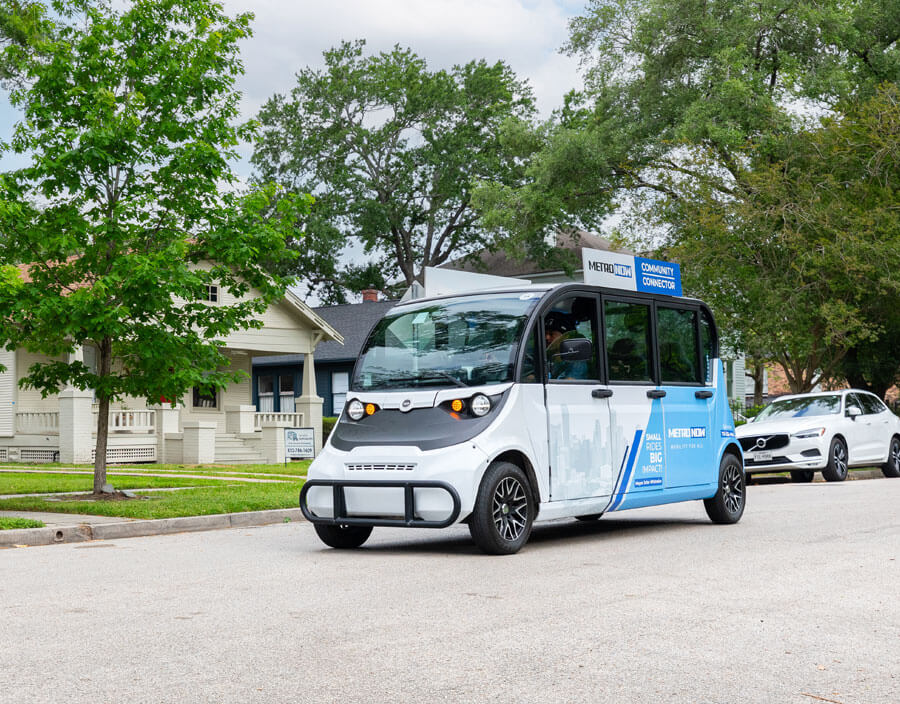
Community Connector is an on-demand rideshare service that serves select neighborhoods in response to the community's need for convenient access to public transit.

It offers flexible, convenient rides to METRO bus stops, rail stations and other destinations in your neighborhood, making it easier to get where you need to go.

The service uses electric shuttles and ADA-accessible minivans that operate within a defined zone. You must download the METRO On Demand app to request a ride anywhere in your designated coverage area.
Service Area Maps

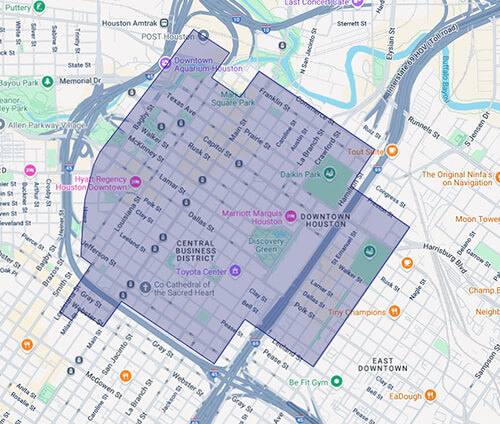
Explore the Community Connector service areas below. Each map provides you with information on the service zone, connecting routes and nearby transit centers. 


Downtown Community Connector Zone Map

451 Downtown

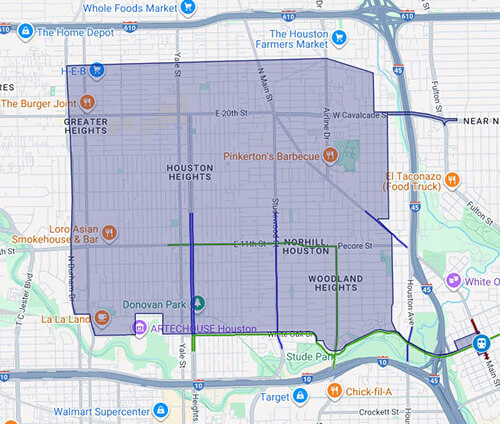
Heights Microtransit Zone

452 Heights

Near Northside Community Connector Zone Map

453 Near Northside

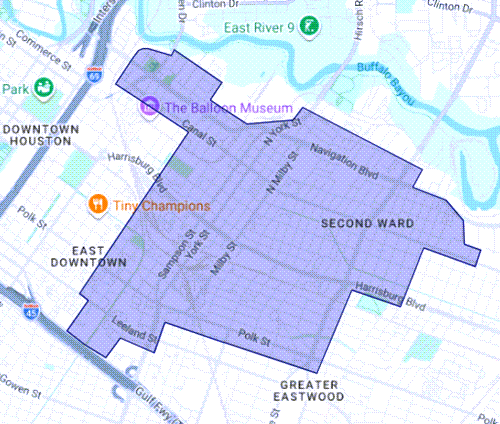
Second Ward Community Connector Zone Map

454 Second Ward

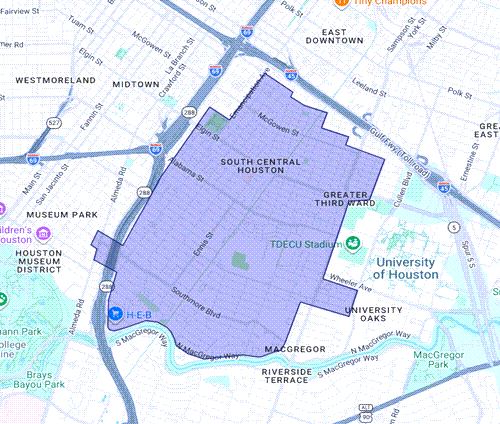
Third Ward Community Connector Zone Map

455 Third Ward

Hours of Operation

This service operates Monday through Friday. The last ride must be booked 30 minutes before closing time to ensure availability.

ZoneDays of the WeekHours
Downtown Mon-Fri7 a.m.-7 p.m.
HeightsMon-Fri7 a.m.-7 p.m.
Near NorthsideMon-Fri7 a.m.-7 p.m.
Second WardMon-Fri7 a.m.-7 p.m.
Third WardMon-Fri7 a.m.-7 p.m.


Fares


Regular Fare

$1.25

For all Community Connector customers who aren’t eligible for a discounted fare.

Discounted Fare

$0.60

* For students, seniors 65-69, or people with disabilities who aren't METROLift customers.

* Requires a RideMETRO Discounted Fare Card

Ways to Pay

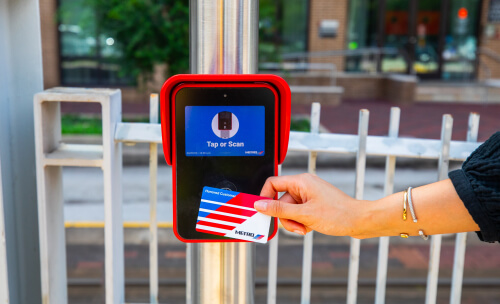
There are multiple options for paying your fare when you board a Community Connector vehicle, as shown below.


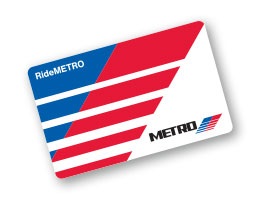
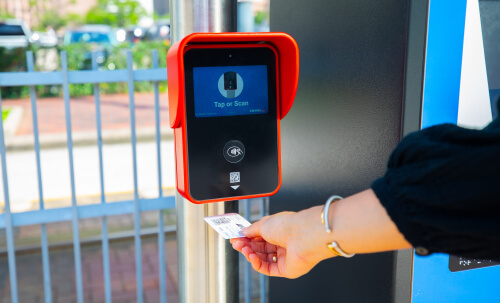
RideMETRO Fare Card graphic.
RideMETRO Fare Card Learn more
RideMETRO app displayed in a mobile phone.
RideMETRO App Learn more
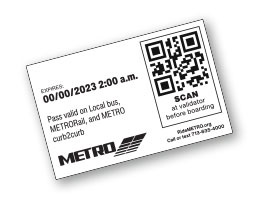
RideMETRO ticket graphic.
RideMETRO Ticket Learn more
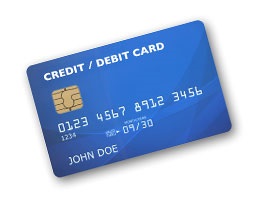
Credit / debit card graphic.
Credit / Debit Card Learn more
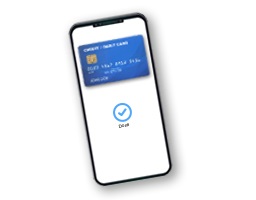
Credit / debit card displayed in a mobile phone.
Mobile Wallet Learn more

Service Alerts

Save time and avoid delays. Subscribe to receive up-to-the-minute information about service interruptions or changes that may affect your trip. All subscriptions are free and you can unsubscribe at any time.


Get the App

Download the METRO On Demand app, available in English or Spanish, for free from the Google Play Store (for Android phones) or the App Store (for Apple phones).

Use the app to:

  • Plan your trip
  • Book your ride
  • See your driver and track your ride

Download Now (Open external link) (Open external link) (Open external link) (Open external link) (Open external link) (Open external link)


METRO On Demand App
Smartphone with METRO On Demand mobile app icon visible on screen.

Common Questions

Fares

The regular fare to board is $1.25

The discounted fare is 60 cents.

The following passengers ride for free:

  • Children five or younger, when accompanied by an adult
  • Seniors 70 years or older who have a RideMETRO Discount Fare Card
  • Disabled or decorated veterans who have a RideMETRO Discount Fare card
  • METROLift customers (with up to one assistant) using their METROLift Fare Card

When service is in high-demand and Community Connector vehicles are not available when you need a trip, you will see an option for your ride to be fulfilled by Uber or Lyft. If you select this option, your ride will cost $1.25 each time you board and you'll be required to have a credit or debit card on file in your app account which will be automatically charged for the ride. Discounted fares are not offered when using the Uber or Lyft service. 

You can pay your Community Connector fare using any of the following:

  • Physical RideMETRO Fare Card
  • Virtual RideMETRO Fare Card (in the RideMETRO app)
  • Credit or debit card (Visa, Mastercard, American Express, Discover)
  • Apple Pay or Google Pay
  • 3-Hour Pass ticket
  • Day Pass ticket

The All About Fares page has information on where you can obtain them.

When selecting an Uber or Lyft trip, you must pay using a credit or debit card.

Yes, you'll receive free transfers between any METRO service of equal or lesser value for up to three hours if you pay using your:

  • Physical RideMETRO Fare Card
  • Virtual RideMETRO Fare Card (in the RideMETRO app)
  • Credit or debit card (Visa, Mastercard, American Express, Discover)*
  • Apple Pay or Google Pay*
  • 3-Hour Pass ticket  
  • Day Pass ticket (not valid for transfers to Park & Ride)

For transfers to a service with a higher cost, you only pay the fare difference for up to three hours.

*When transferring, make sure to tap or scan the same payment method you used at the start of your trip. For example, if you tapped a physical debit card to begin your trip, you must use that same physical card when transferring within three hours. A physical credit or debit card is not the same as a virtual version of the same card stored in Apple or Google Wallet – they're treated as two different payment methods.

Boarding

You should board at your requested pickup location that you provided in the app when you booked your trip.

For more information, visit the Community Connector page, where you'll find maps of all the zones.

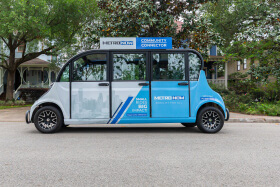
An electric shuttle (pictured below),

A METRO Community Connector electric shuttle.

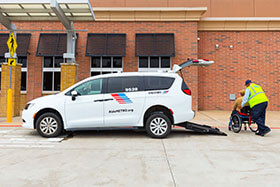
an ADA-accessible minivan (pictured below),

METRO Community Connector minivan.

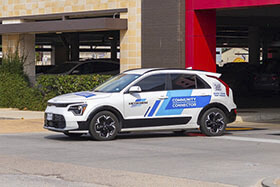
or a crossover SUV (pictured below).

A Community Connector crossover SUV driving away from an H-E-B in the Heights zone.


If you book an Uber or Lyft trip, you'll be able to see the make, model and license plate number of the vehicle that will pick you up, within the METRO On Demand app.

Community Connector has minivans that are accessible under the standards of the Americans with Disabilities Act (ADA).

When booking your trip, you’ll be offered a variety of accessibility options that accommodate one or more of the following:

  • Wheelchair or mobility scooter
  • Walker
  • Service animal

There is no guarantee that Uber or Lyft vehicles are accessible. 

Trip Booking

You can book a trip using the free METRO On Demand app for your smartphone.

You'll specify the exact location where you want to be picked up and dropped off within the app. 

All reservations are subject to availability.

You have the option to book a ride up to two hours in advance or book a ride on demand. All trips are subject to availability.

If you have an iPhone, you can download the app from the App Store.

If you have an Android, you can download the app from Google Play.

Just search for METRO On Demand

Riding

Currently, the service operates Monday through Friday, from 7 a.m.-7 p.m. within most of the Downtown, Heights, Near Northside, Second Ward and Third Ward communities, though it does not cover the entire area.For more information, visit the Community Connector page, where you can explore the zones.


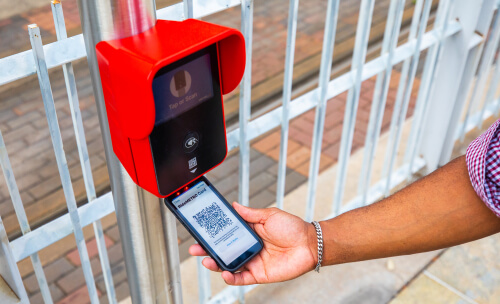
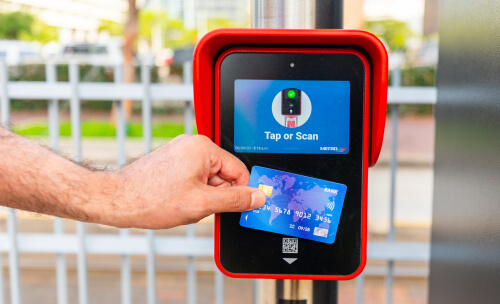
You'll need to tap or scan the fare validator as you enter the Community Connector vehicle.

The following payment methods will need to be tapped on the fare validator:

  • Physical RideMETRO Fare Card
  • Credit or debit card (Visa, Mastercard, American Express, Discover)
  • Mobile wallet with Apple Pay or Google Pay

The following payment methods will require you to scan the QR code six inches under the fare validator:

  • Virtual RideMETRO Fare Card (in the RideMETRO app)
  • 3-Hour Pass ticket (not valid on Park & Ride)
  • Day Pass ticket (not valid on Park & Ride)

More details can be found on the All About Fares page.

If you book an Uber or Lyft trip within the METRO On Demand app, $1.25 will automatically be charged to your credit or debit card on file in your app account.

Whether you booked through the METRO On Demand app or over the phone, the operator will have the drop-off location you provided.

Browser not supported

It appears you’re on an older web browser we don’t support. Please try one of the options below so you can view the METRO website.